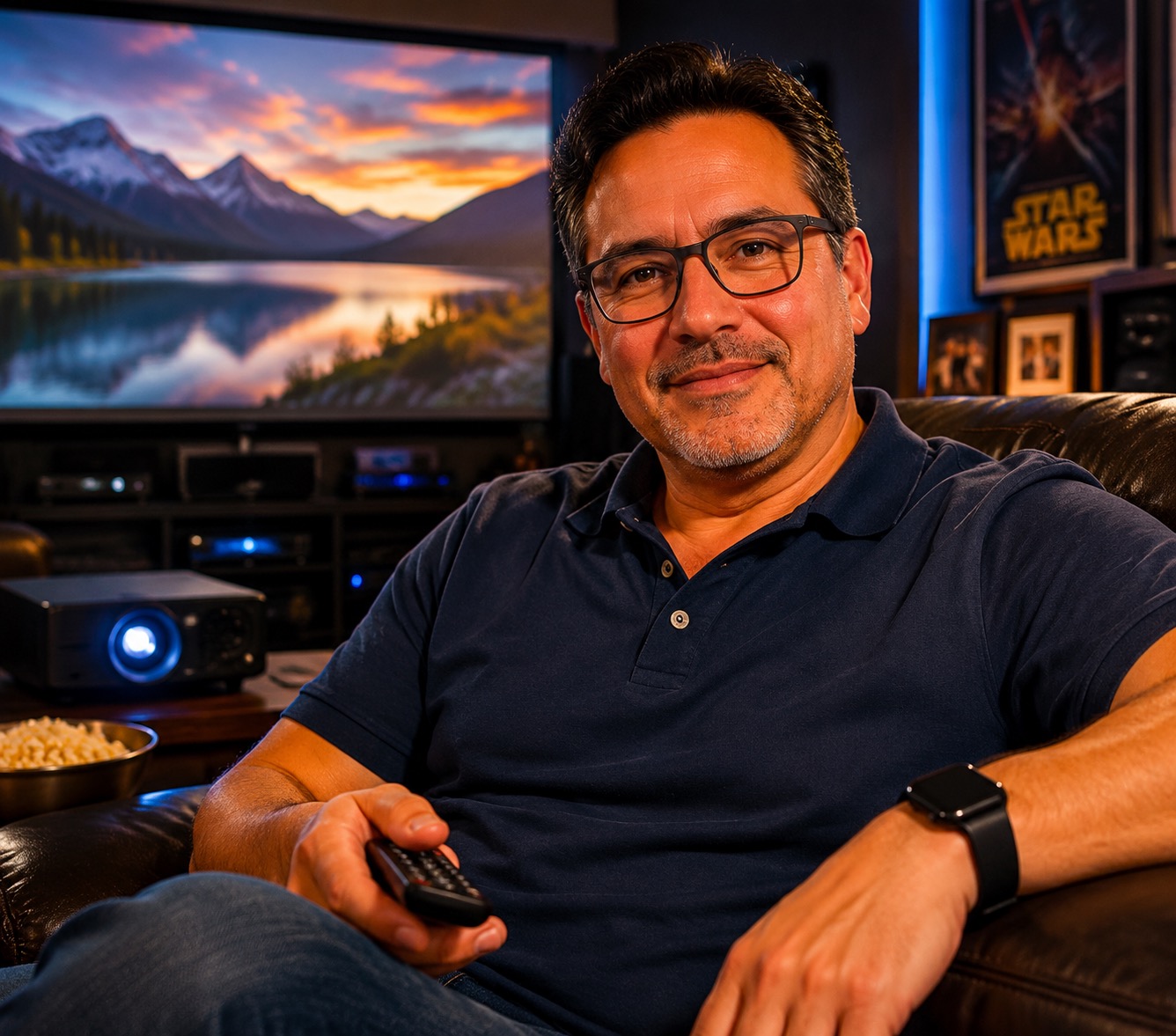
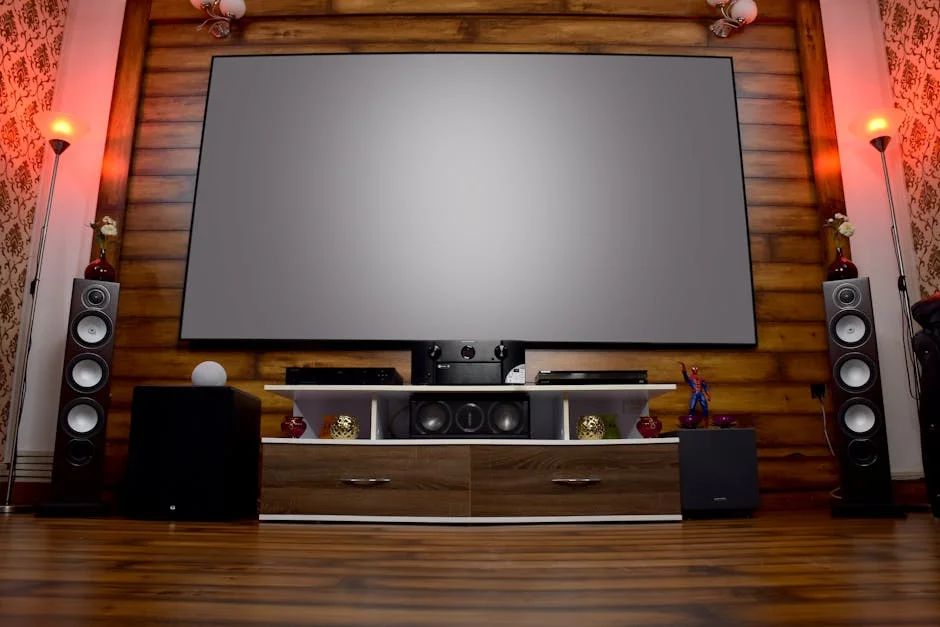
JVC NZ500 Review: Native 4K D-ILA Laser Projector
Affiliate disclosure: Some links on this page are affiliate links. If you buy through them we earn a small commission at no extra cost to you. Recommendations are research-driven; we don't claim personal use of every product reviewed. Product prices and availability are accurate as of the date published and are subject to change. Always check Amazon for current pricing before purchasing. Learn more.
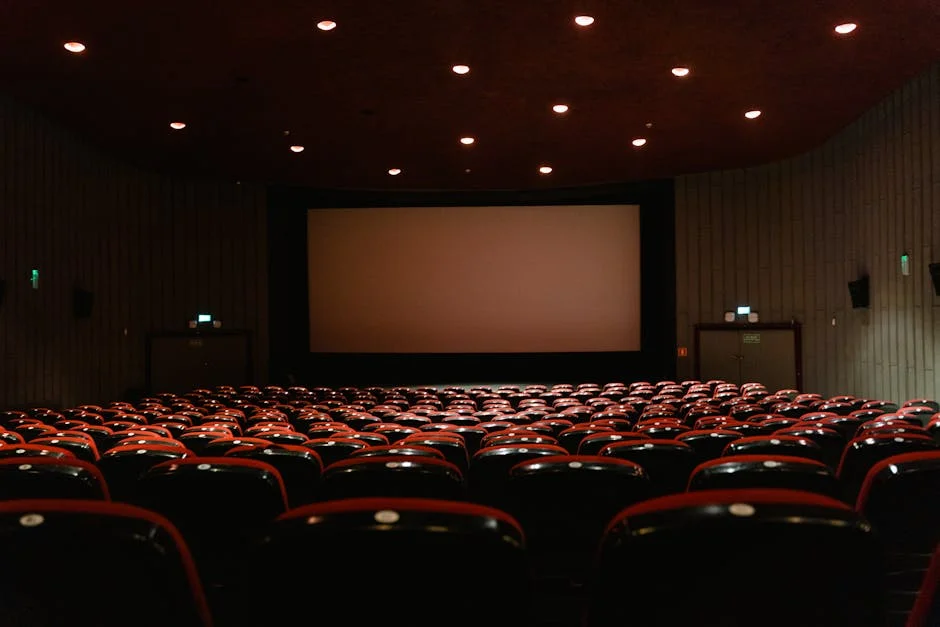
The JVC NZ500 sits in a tier most home theater hobbyists read about before they’re ready to buy one. It’s a native 4K D-ILA laser projector in the flagship-adjacent segment — a category where specifications alone don’t settle the purchase decision.
The three projectors covered in this piece — the Epson Home Cinema 5050UB, the Epson Home Cinema LS11000, and the Sony VPL-XW5000ES — span a meaningful range of projectors worth understanding before committing to the NZ500’s tier. Each represents a distinct set of trade-offs in light source, panel technology, and HDR capability.
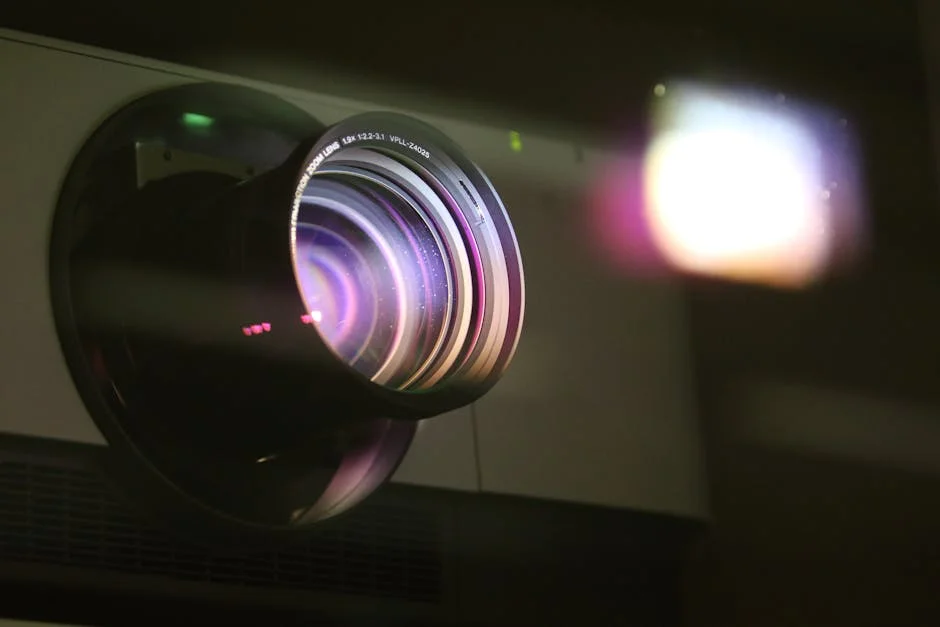
What to Look For in a Home Theater Projector
Native 4K vs. Pixel-Shifting
The distinction matters more than marketing copy suggests. Native 4K means every pixel in the image is produced by a dedicated imaging element — 8.3 million of them. Pixel-shifting, often labeled “4K-enhanced” or “4K PRO-UHD,” uses optical or electronic shifting to approximate that resolution from a lower-native-resolution chip. The result is genuinely better than 1080p, but it is not the same as native 4K.
For most content at typical home theater viewing distances — 10 to 14 feet from a 100-120 inch screen — the difference is subtle and depends heavily on content quality. Native 4K shows its advantage most clearly on high-bitrate 4K Blu-ray and less clearly on streamed content. If your source chain is primarily streaming, the gap narrows considerably.
Light Source: Lamp vs. Laser
Lamp-based projectors offer a lower entry cost but carry ongoing maintenance. Bulbs typically degrade over 3,000, 5,000 hours, brightness falls noticeably before failure, and replacement lamps add real cost over a projector’s lifespan. Laser light sources project rated lives of 20,000 hours or more with minimal brightness degradation across that span. For a room used four to five evenings per week, that difference is compounding — laser projectors effectively eliminate the lamp-replacement budget line.
Laser projectors also reach operating brightness almost instantly, with no warm-up period. For a household with kids who want to turn on a movie quickly, that matters more than spec sheets acknowledge. The trade-off is upfront cost: laser commands a meaningful premium over comparable lamp-based models at every tier.
Color Volume and HDR Implementation
Lumens alone do not predict HDR performance. A projector’s ability to render HDR content well depends on peak brightness, contrast ratio, and — critically — color volume across the P3 and Rec. 2020 color spaces. A projector with high measured lumens but poor native contrast will clip shadow detail even while delivering bright highlights.
HDR tone mapping implementation varies significantly between manufacturers and even firmware versions.
Throw Distance and Lens Flexibility
Room geometry constrains projector choice more than most buyers anticipate. Throw ratio determines where the projector must sit relative to the screen for a given image size. A projector with a fixed throw ratio and no lens memory is inflexible — changing screen position means moving the mount. Motorized zoom, focus, and lens shift allow placement adjustments without physical repositioning. Lens memory allows saving multiple configurations — useful for scope screens switching between 2.39:1 and 1.78:1 aspect ratios.
Calculating throw distance before purchase is mandatory. Projector Central’s throw distance calculator handles this correctly. Exploring the full range of home theater projectors available at each throw-ratio tier before purchasing is worth the time — the right projector for a 12-foot throw is not the same as the right projector for a 16-foot throw.
Top Picks
Epson Home Cinema 5050UB 4K PRO-UHD
The Epson Home Cinema 5050UB is a lamp-based, 3-chip LCD projector with 4K PRO-UHD pixel-shifting — not native 4K. It outputs 2,600 lumens (color and white brightness rated equally, which matters), covers 100% of the DCI-P3 color gamut, and carries a 1,000,000:1 dynamic contrast specification. HDR10 support is present; HDR10+ and Dolby Vision are not. Lamp life is rated at 3,500 hours in normal mode.
The 5050UB represents the generation above the 4010 — same 3-chip LCD architecture, meaningfully better black levels through the UltraBlack lens system, and improved HDR tone mapping relative to the 4010. Projector Central’s full review confirms the color accuracy claims hold under controlled measurement.
The lamp light source is the honest limitation here. For a projector at this price level purchased as a multi-year investment, laser alternatives are worth comparing directly. The 5050UB’s case is strongest for buyers who want a calibrated, accurate image now and are comfortable with lamp replacement on a defined schedule.
Check current price on Amazon.
Epson Home Cinema LS11000 4K PRO-UHD Laser
The Epson Home Cinema LS11000 is the laser-source successor in Epson’s home theater line. Same 3-chip LCD panel architecture, same 4K PRO-UHD pixel-shifting, but the lamp is replaced by a laser diode array rated at 20,000 hours. Brightness is rated at 2,500 lumens — slightly below the 5050UB on paper, meaningfully better in practice because laser brightness degrades far more slowly. HDR support includes HDR10 and HDR10+. HDMI 2.1 inputs are present, supporting 4K at 120Hz for gaming applications. Motorized lens with lens shift, zoom, and focus are all included.
The LS11000 closes most of the operational gaps the 5050UB has. No lamp budget, instant startup, and the lens motor suite make it a more capable long-term installation. Out-of-box calibration is competitive and that the laser source delivers noticeably better perceived contrast in moderately light-controlled rooms compared to the lamp-based 5050UB — because laser sources maintain their output curve more consistently under real-world conditions.
The remaining limitation is shared with the 5050UB: pixel-shifting, not native 4K. For buyers comparing the LS11000 to native 4K alternatives at adjacent price points, the pixel-shifting trade-off is the central question. Projector Reviews’ long-term ownership reports on the LS11000’s image quality hold more weight on this point than pre-production reviews. Those looking to compare this directly against competing laser options will find useful context in the best upper-mid-tier laser projectors roundup.
Check current price on Amazon.
Sony VPL-XW5000ES 4K HDR Laser
The Sony VPL-XW5000ES is native 4K. Sony’s SXRD panel is a reflective LCoS-type technology — 4096 x 2160 native resolution, no pixel-shifting. Laser light source rated at 2,000 lumens, 20,000-hour lifespan. HDR10 and HLG support is present. The XW5000ES does not support HDR10+ or Dolby Vision, which is worth noting given where streaming platform HDR formats are heading. No HDMI 2.1 — inputs are HDMI 2.0b, which limits 4K/120Hz gaming. Throw ratio is 1.35, 2.84:1, offering reasonable lens flexibility.
The native 4K distinction is real on this projector. The 2,000 lumen specification is lower than both Epson options, which matters in rooms that are not fully light-controlled.
This projector is at the boundary of the tier this site covers in depth. What’s clear: native 4K SXRD is a qualitatively different image from pixel-shifted LCD. Whether that difference justifies the premium over the LS11000 depends on room geometry, light control, and whether 4K Blu-ray is the primary source. Those evaluating this against alternatives in the range should also look at the best upper-mid-tier home theater projectors comparison for adjacent context.
Check current price on Amazon.
Buying Guide
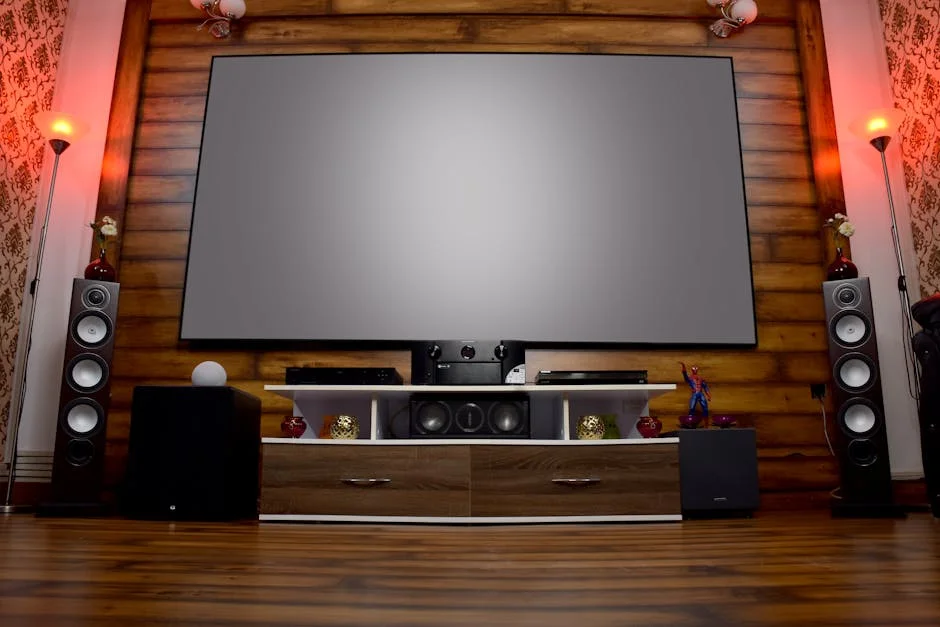
Match the Projector to the Room First
Throw distance is not a preference — it’s a constraint. Measure the distance from your intended mounting position to the screen surface, then use Projector Central’s throw distance calculator to confirm which models can produce your target screen size from that position. A projector that produces a gorgeous image at 14 feet cannot be adjusted to work at 10 feet without a different lens or a different screen size. Solve the geometry before evaluating any other specification.
Ceiling height and mount clearance matter equally. A projector mounted 18 inches below a 9-foot ceiling at 11 feet of throw requires a specific vertical lens shift range. Confirm these numbers with manufacturer documentation before purchase.
Light Control Determines Brightness Requirements
The lumen specification on a projector is relevant only in the context of your room’s ambient light. A fully light-controlled room with blackout curtains, dark walls, and no light bleed from adjacent spaces runs well on 1,500, 2,000 lumens. A room with any ambient light intrusion — light-gray walls, an open floor plan, an unsealed door — needs more headroom.
This matters specifically when comparing the Sony XW5000ES (2,000 lumens) to the Epson options (2,500, 2,600 lumens). In a controlled room, the Sony’s lower output is irrelevant. In a partially controlled room, the Epson’s headroom provides a meaningful buffer. Measure ambient light, then match the brightness specification to reality.
The Screen Is Not an Accessory
The screen determines how much of the projector’s capability actually reaches the viewer. Gain, surface material, and viewing cone all interact with the projector’s output. An average projector on a well-matched ALR or high-gain screen outperforms a strong projector on a basic screen in most real-world rooms. Most buyers get this sequence backwards — they prioritize projector specification and treat the screen as the remaining budget item. That’s the wrong priority order.
For rooms with any ambient light, an ALR screen is the highest-leverage upgrade available. For fully dark rooms, a flat-white or matte-white surface with gain between 1.0 and 1.3 maximizes uniformity and viewing angle. The full range of compatible projection display options is worth reviewing before locking in a projector budget that leaves nothing for the screen.
Pixel-Shifting vs. Native 4K — The Practical Threshold
Native 4K shows its advantage clearly on high-bitrate 4K Blu-ray disc content at 10, 12 feet from a 110-120 inch screen. On streamed content — which is compressed, typically HDR with limited metadata quality — the advantage narrows. On 1080p upscaled content, pixel-shifting performs comparably.
If the primary source is 4K Blu-ray with a quality disc player and a short-to-medium viewing distance, native 4K is worth the premium. If the primary source is a streaming device at a typical living-room distance, the pixel-shifting options deliver comparable perceived resolution at lower cost.
Lamp vs. Laser Over the Ownership Horizon
A lamp-based projector used five nights per week at four hours per session accumulates roughly 1,000 hours annually. At that rate, a 3,500-hour lamp reaches end-of-life inside four years. Laser at 20,000 hours under the same use pattern runs past any reasonable ownership horizon. Factor the total cost of ownership, not just the acquisition cost, when comparing lamp-based mid-tier options to laser alternatives.
Frequently Asked Questions
How does the JVC NZ500 compare to the Epson LS11000 at the same price tier?
The NZ500 is a native 4K D-ILA laser projector with significantly higher native contrast than the LS11000’s 3-chip LCD pixel-shifting design. The LS11000 offers more lumens and a stronger out-of-box HDR preset, which benefits rooms with partial light control. For a fully dark dedicated theater, the NZ500’s contrast advantage is the deciding factor.
Is native 4K worth the premium over pixel-shifting for home theater use?
For 4K Blu-ray as a primary source at 10, 14 feet from a 110-120 inch screen, native 4K delivers a measurably sharper image on fine detail and high-frequency textures. For streaming-primary rooms, the gap is narrower — compressed HDR content limits how much resolution information reaches the projector regardless of panel resolution. The Sony VPL-XW5000ES represents the entry point for native 4K in this tier, and Projector Central’s comparative measurements are the most reliable source for quantifying the difference.
What throw distance does the JVC NZ500 require for a 120-inch screen?
The NZ500’s throw ratio is approximately 1.4:1 to 2.8:1, meaning a 120-inch 16:9 screen (approximately 105 inches wide) requires roughly 12 to 24 feet of throw distance. The usable range for most dedicated rooms falls between 13 and 17 feet. Projector Central’s throw distance calculator handles the precise calculation for any screen size and aspect ratio. Confirm your room’s geometry before assuming any projector can fill your target screen size from your intended mount position.
Does the Epson 5050UB support 4K at 120Hz for gaming?
No. The Epson Home Cinema 5050UB uses HDMI 2.0 inputs, which limits 4K gaming input to 60Hz. 4K/120Hz requires HDMI 2.1 bandwidth. The LS11000 does include HDMI 2.1 inputs and supports 4K/120Hz signals, making it the more capable option for buyers who share a theater room with a current-generation gaming console. The 5050UB remains a strong cinema projector for its tier; gaming at high refresh rates is simply outside its input specification.
Should the screen budget come before or after the projector budget?
Screen first, or at minimum concurrent. A projector’s measured output — color, brightness, contrast — is only realized if the screen surface is matched to the room’s ambient light conditions and the projector’s gain requirements. Allocating the full budget to the projector and treating the screen as a remainder purchase is the most common planning error in this category. Set a combined display budget and allocate between projector and screen based on room conditions, not on which component feels like the primary purchase.
Epson Home Cinema 5050UB 4K PRO-UHD 3-Chip Projector with HDR,White: Pros & Cons
Where to Buy
Epson Home Cinema 5050UB 4K PRO-UHD 3-Chip Projector with HDR,WhiteSee Epson Home Cinema 5050UB 4K PRO-UHD 3… on Amazon